
MemoryLane · Included with your event
Your day.
Their eyes.
Every memory.
Your guests saw moments you didn’t.
Bring them all home.
The moments in between
They’re on your
guests’ phones.
Now they’re yours.
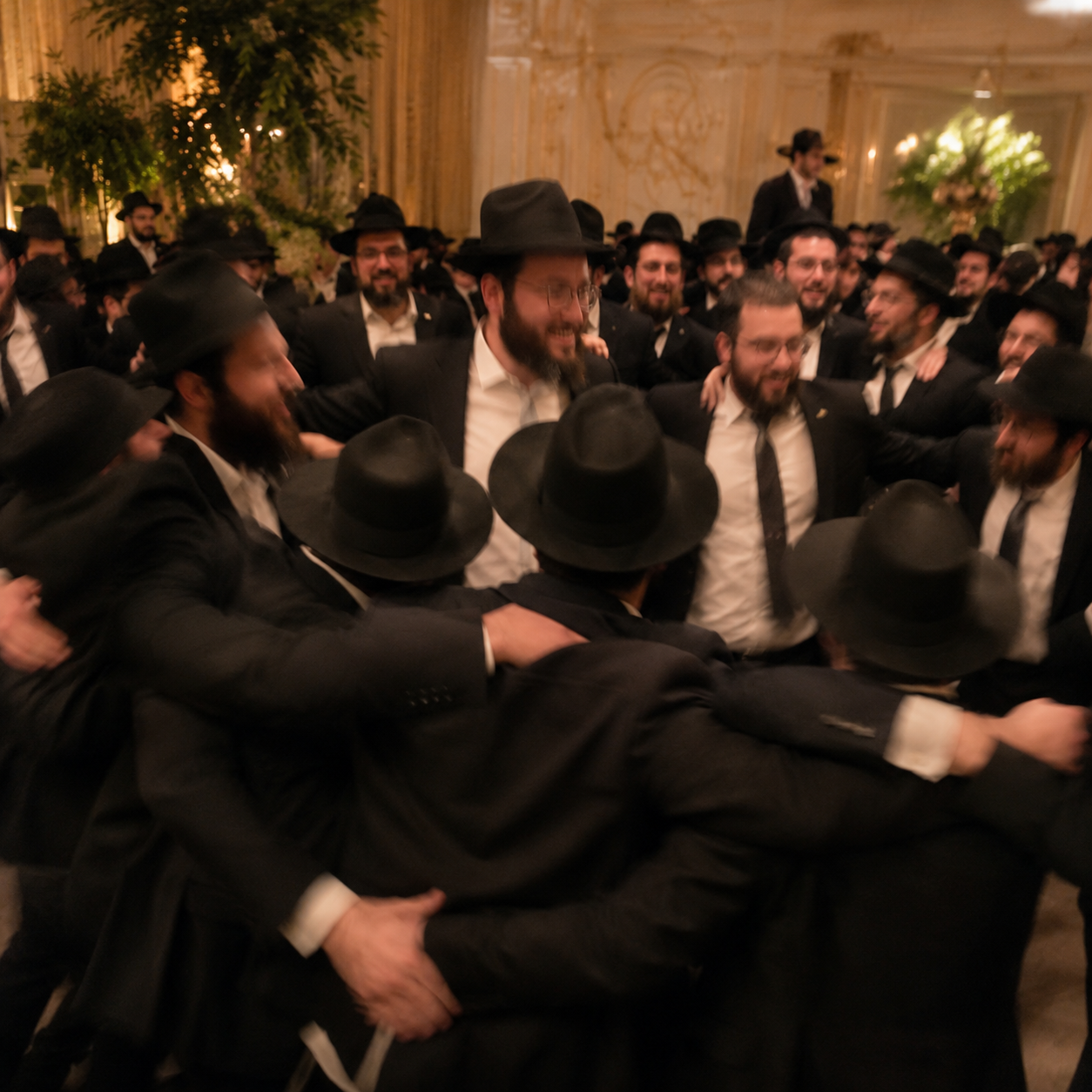
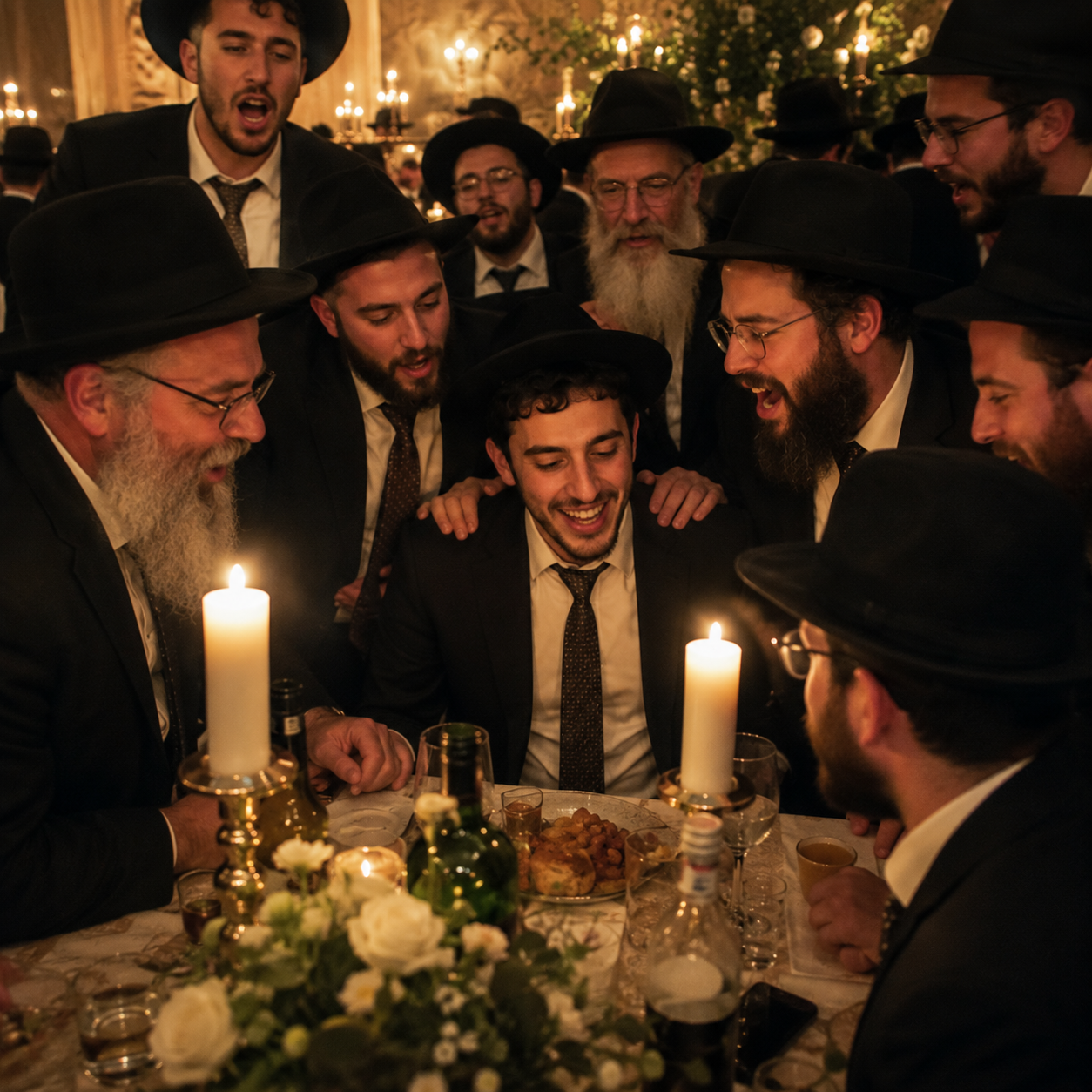
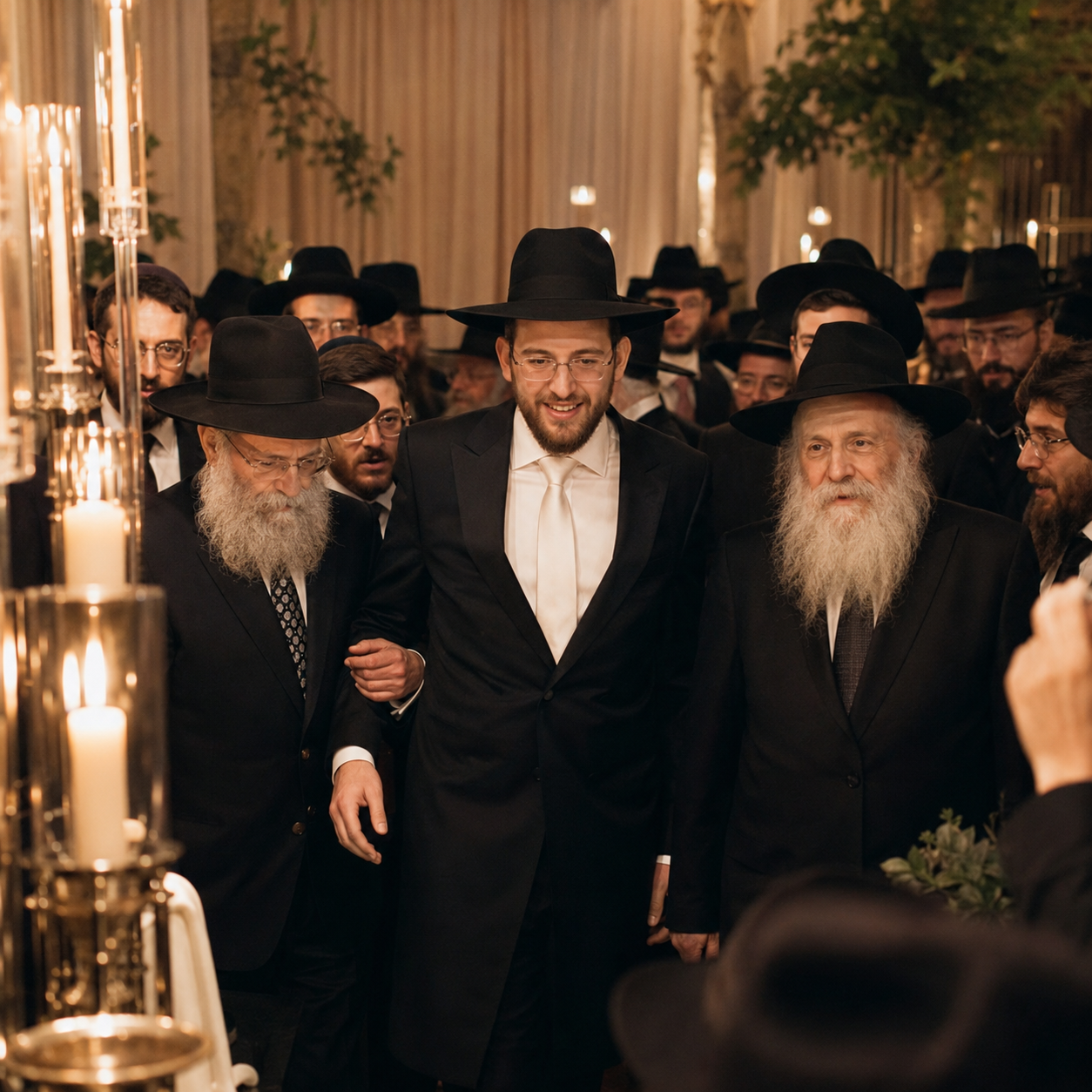
The dancing. The quiet moments. The angles your photographer missed. MemoryLane brings your guests’ photos and videos into one private space on your invitation page.
Guests tap, upload, and share directly with you. You can return to your gallery and download your memories.
Read the MemoryLane guideHow it works
Three steps. A lifetime of moments.
You enable it.
Turn on MemoryLane in your event settings. It appears right on your invitation page.
Guests share.
At the simcha or the next morning, guests upload their photos and videos. No app or account required.
You keep it.
Every upload arrives in your private gallery. View your photos and videos, then download them to keep.
Everything in one place
Your simcha, from every angle.
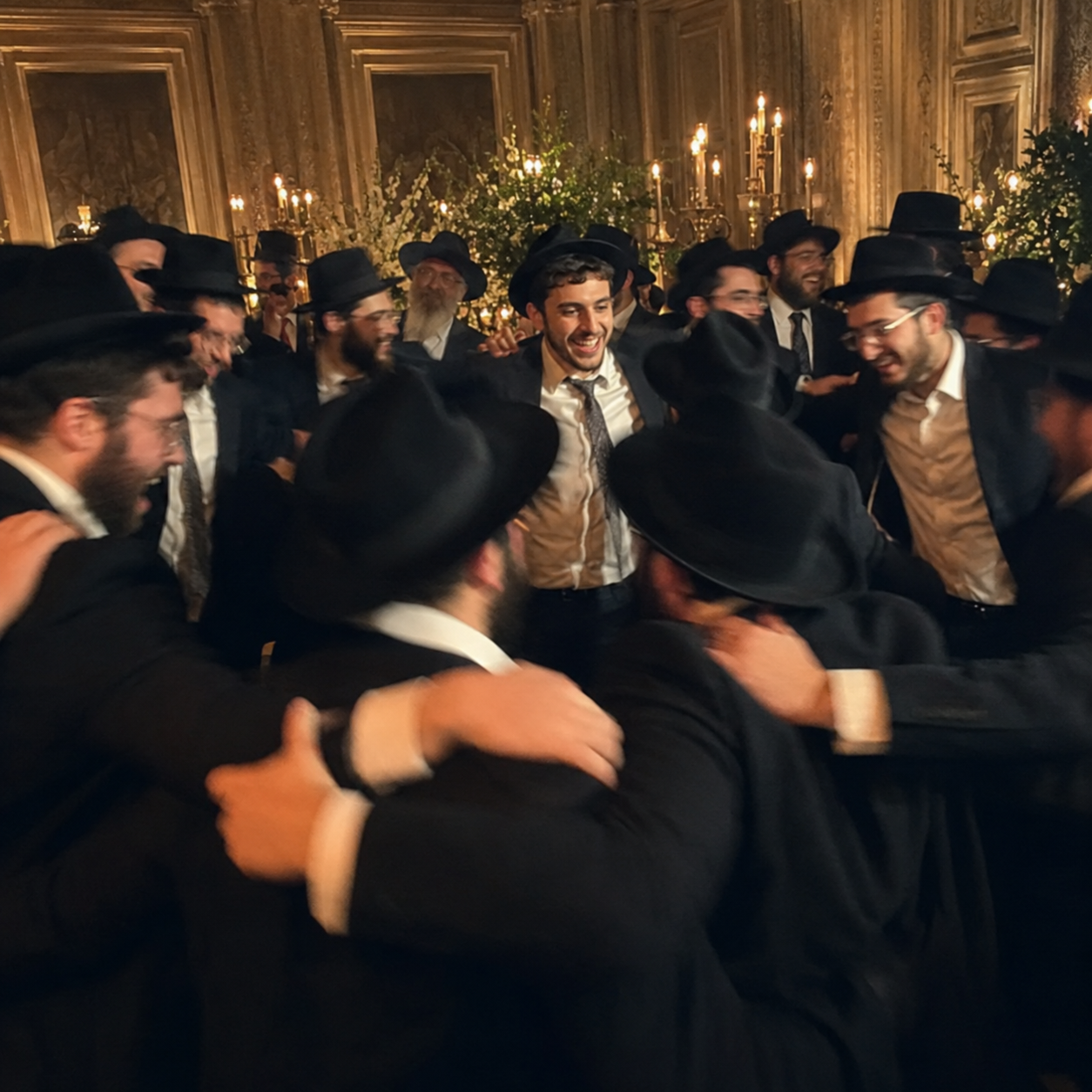
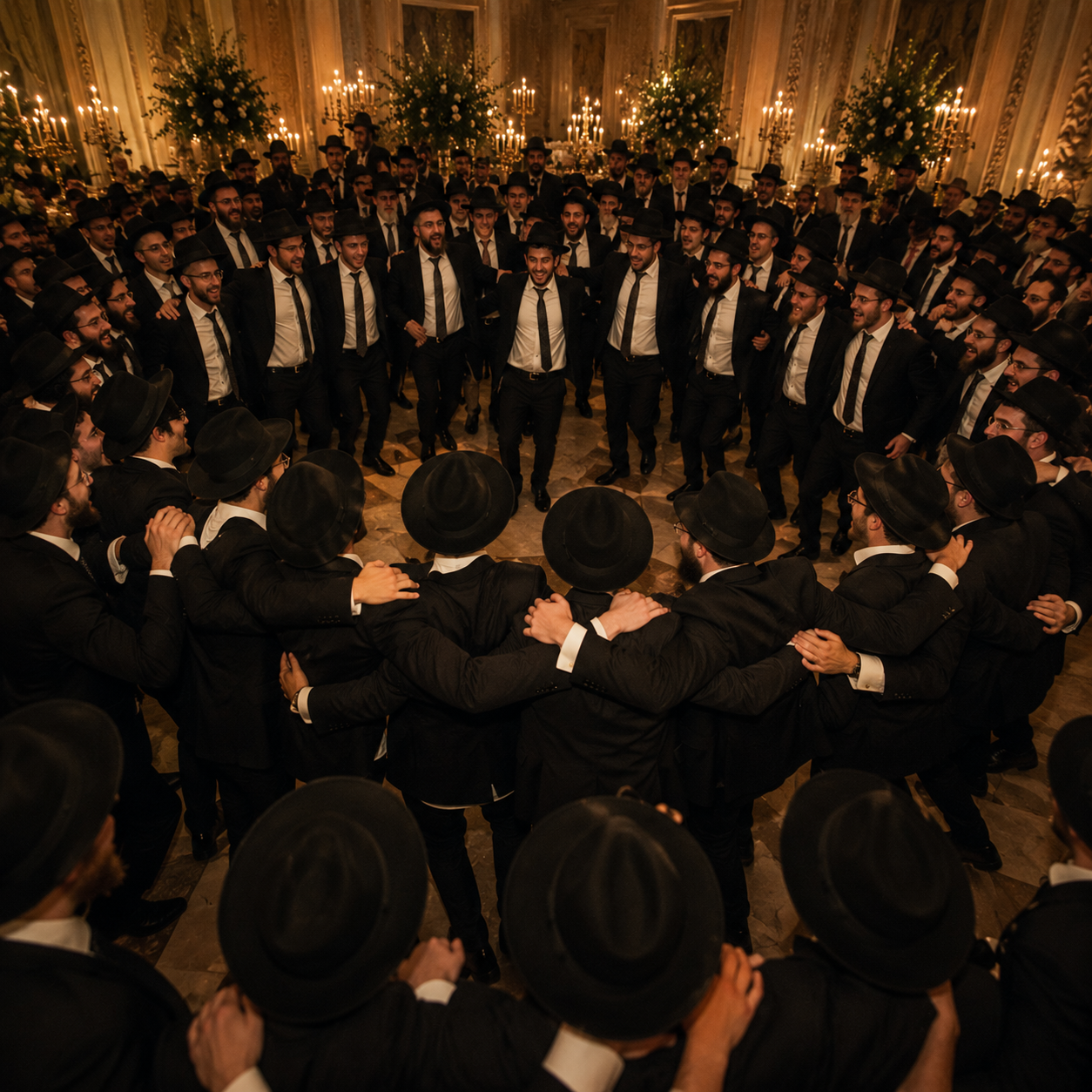
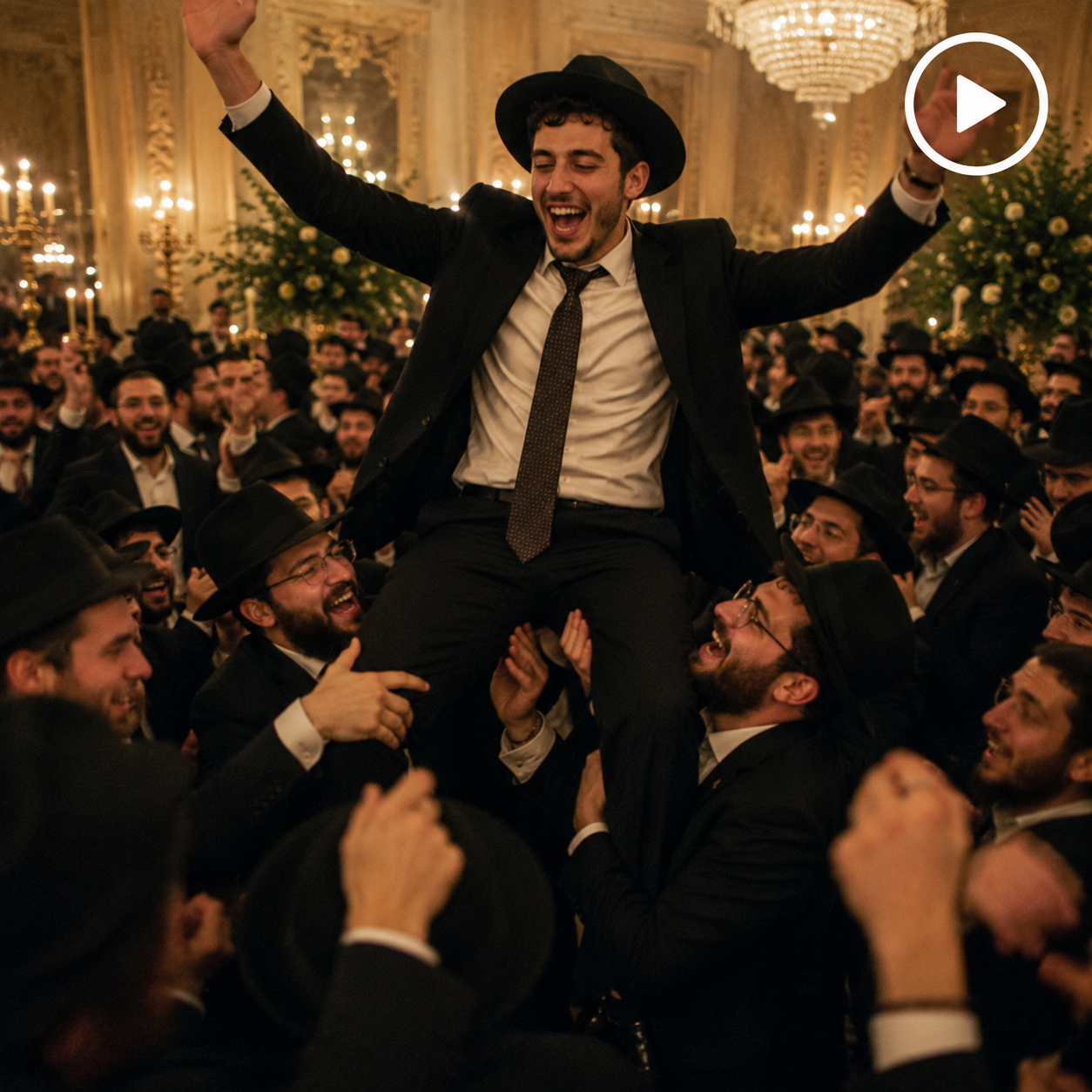
Illustrative gallery using the photos from our existing MemoryLane page.
The guest experience
A small gesture.
A beautiful gift.
Guests share with you directly. Their uploads stay in your private gallery, without a public feed or a group chat to manage.
Share a little of
what you saw.
Photos and videos from Moshe & Rochel’s simcha.
Interactive preview · Uses sample photos only
An invitation that holds more
Make room for the memories.
MemoryLane is included. $100 for your event, with every feature.
Start your simcha